

Updating a Kubernetes Cluster
After you create a cluster, you can adjust several settings.
Upgrade Kubernetes version
Section titled “Upgrade Kubernetes version”Important: Back up your cluster before upgrading. A dashboard-based backup solution is coming soon.
Review the Kubernetes release notes and verify your custom resources are compatible with the target version.
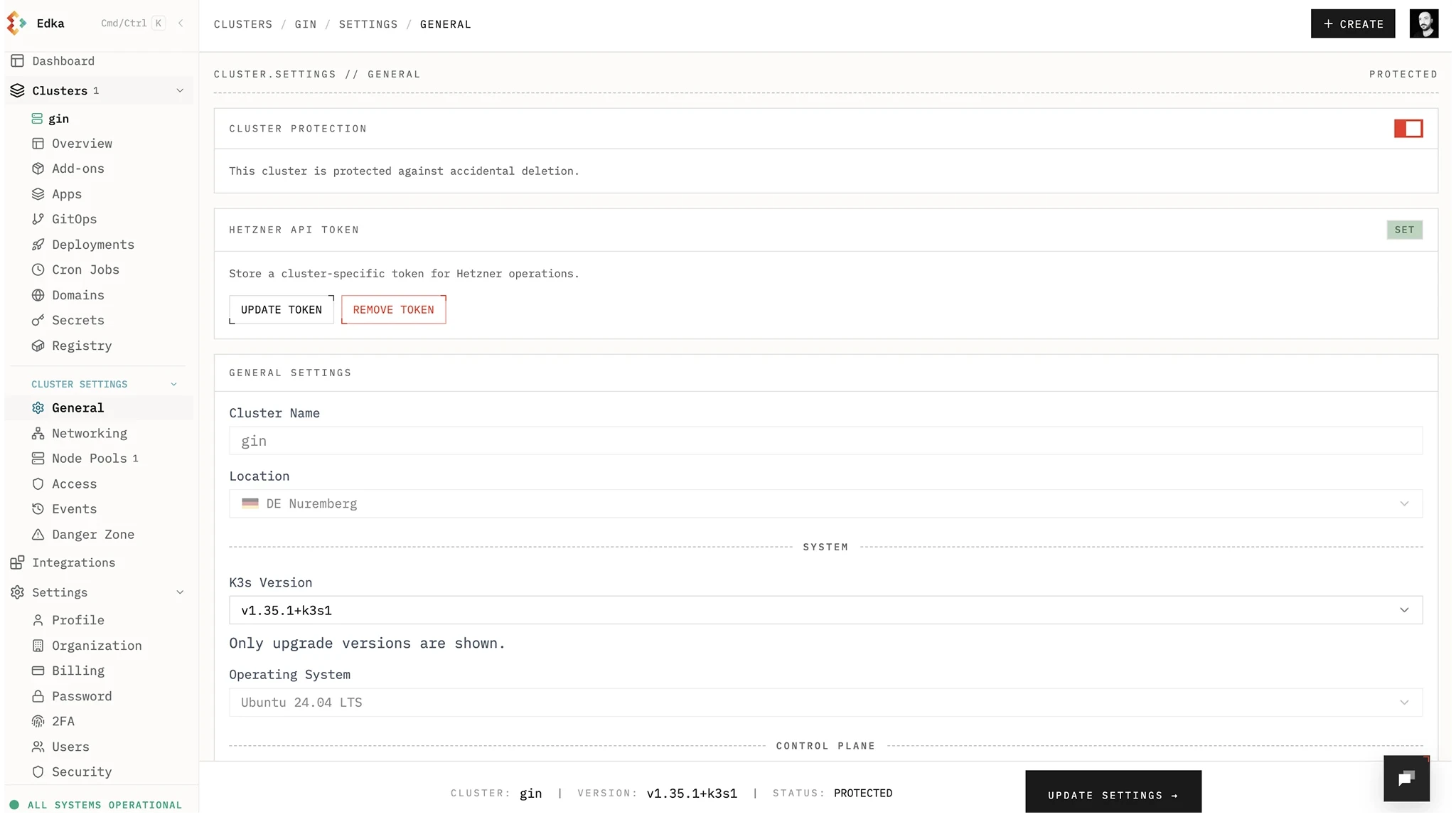
High Availability Control Plane
Section titled “High Availability Control Plane”You can switch the control plane to a highly available setup (3 nodes). After enabling HA, you cannot revert to a single node control plane.
Networking
Section titled “Networking”We do not recommend changing networking on existing clusters.
- CNI changes: You can switch the CNI from Flannel to Cilium. To move from Cilium back to Flannel, enable it in the cluster settings, then manually uninstall Cilium in the cluster.
- Host Firewall / Allowed Networks: These settings are applied at cluster creation. Updating them on an existing cluster is not yet supported.
helm del -n kube-system ciliumNode Pools
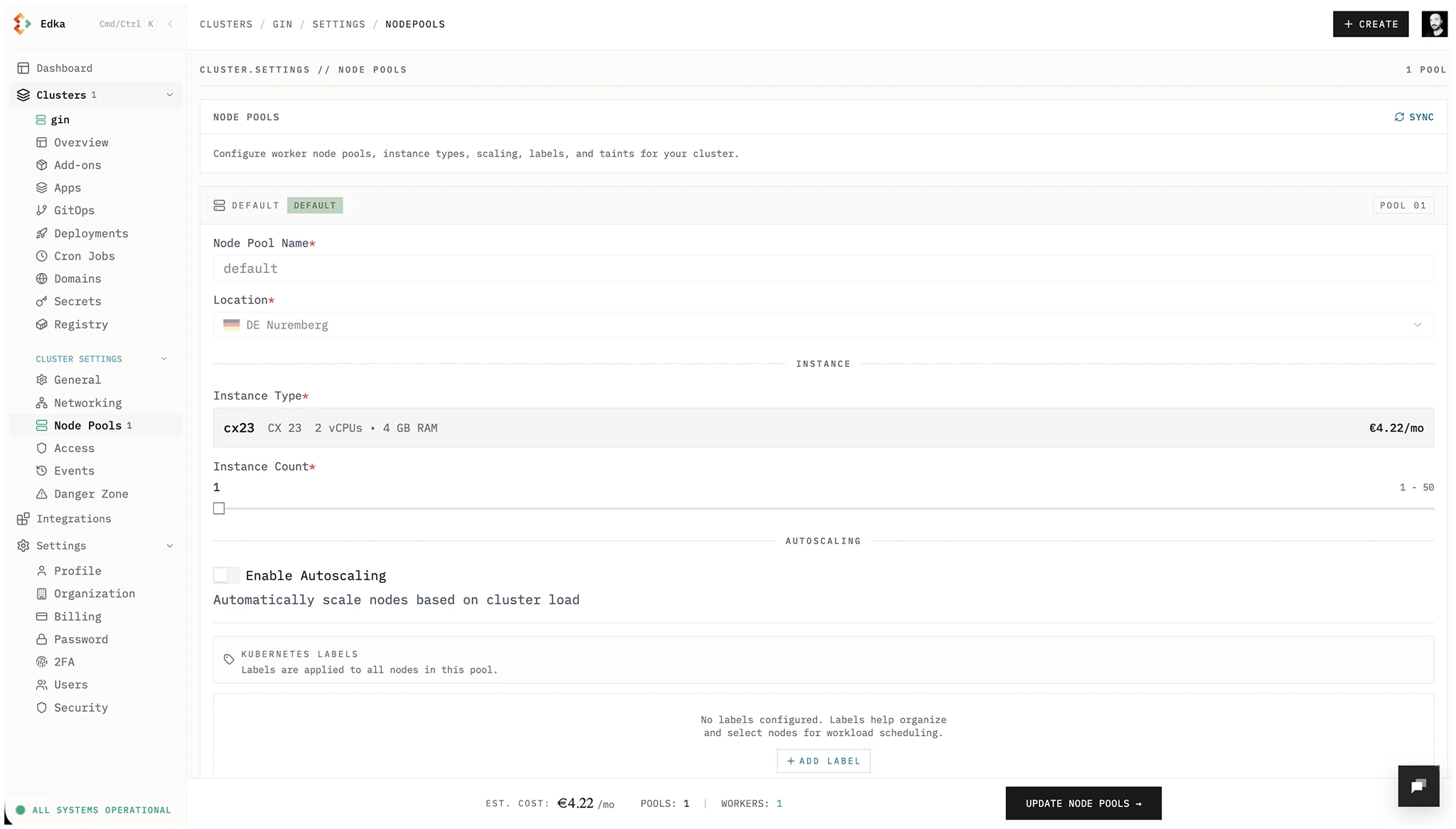
Section titled “Node Pools”You can increase or decrease the number of nodes in a pool and enable autoscaling. After enabling autoscaling for a node pool, it cannot be disabled. Create a new autoscaled pool instead of enabling it on the default pool, since the default pool cannot be deleted.
Access, Events, and Secrets
Section titled “Access, Events, and Secrets”For day-2 operations, use dedicated cluster tabs:
- Access & Security: manage personal kubeconfig, team credential access (admin), rotation, revocation, and SSH key access.
- Diagnostics: inspect Kubernetes warning events, K3s signals, and pods requiring attention when the issue is inside the cluster runtime.
- Events: inspect live and historical operation telemetry for provisioning, updates, and deletions.
- Secrets Management: create, update, and delete Edka-managed Kubernetes secrets with namespace filtering and metadata-only reads.